Could Your Print Fail the fingerprint image requirements for ring engraving?
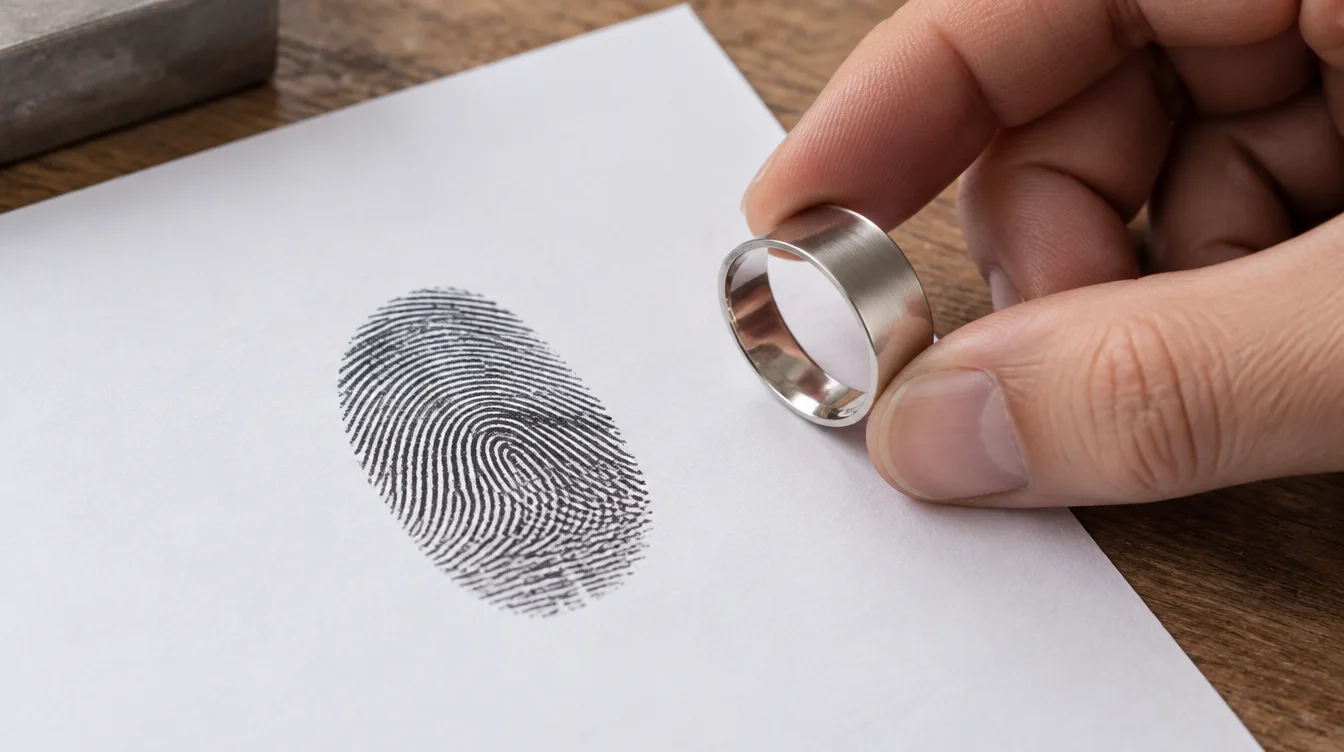
Send the original image if its ridges are sharp and the print is complete. The jeweler must also be able to show it clearly at the planned engraving size. If any part is blurred or cut off, make a new print. The fingerprint image requirements for ring engraving vary by jeweler and ring design. Ask for approval before you order.
Which print is clear enough for a ring?
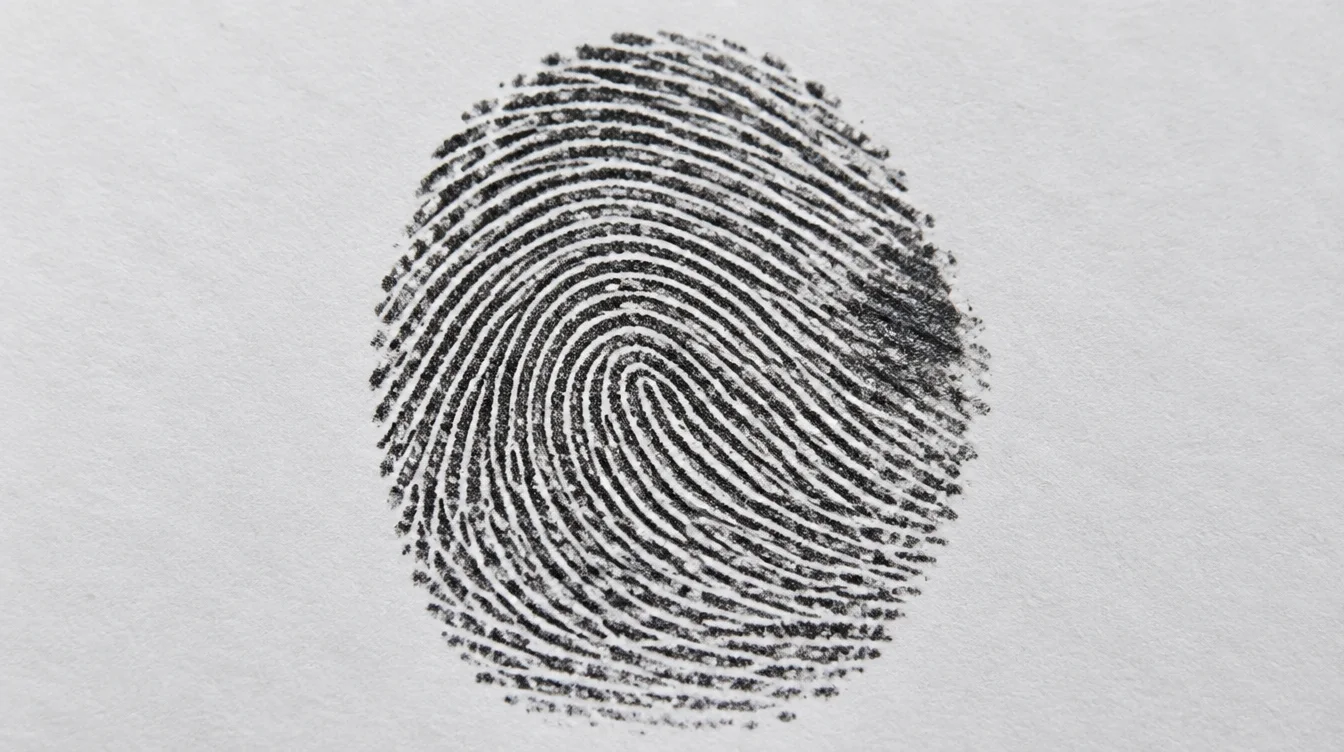
A usable print shows clear ridges in the area you want engraved. Check the center and edges. If ridges run together in dark patches, the lost detail cannot be recovered. A small scar or natural mark is not a smudge. It may be part of the print you want to keep. Titan Jewellery shows how such marks can remain in fingerprint ring engraving. Next, check whether the image includes enough of the print.
Should you send a cropped print?
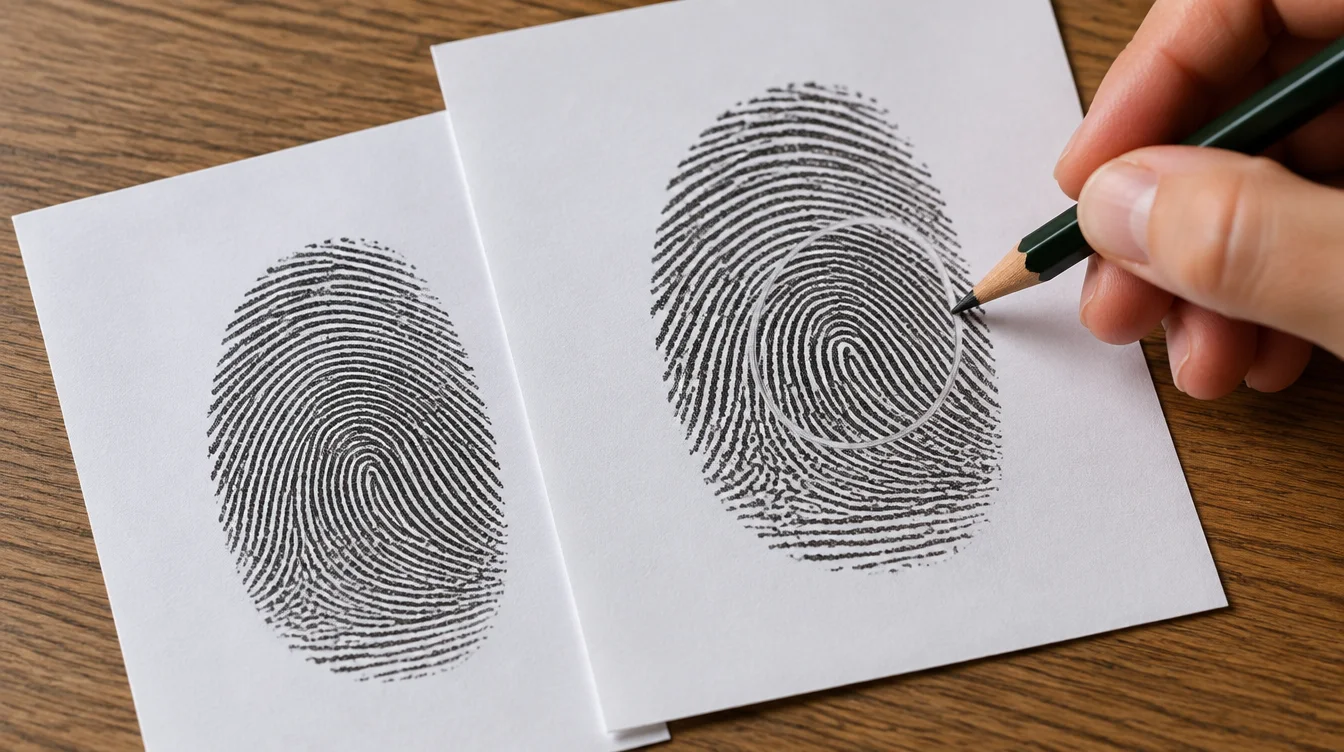
Send the full, uncropped original unless your jeweler asks otherwise. Cropping can remove ridge endings the jeweler needs when fitting the design to a narrow band. If you prefer a particular area, send a second copy marked with your choice. Keep the untouched file too. That leaves room to plan the engraving without guessing what lay outside the frame.
Is a scan better than a phone photo?
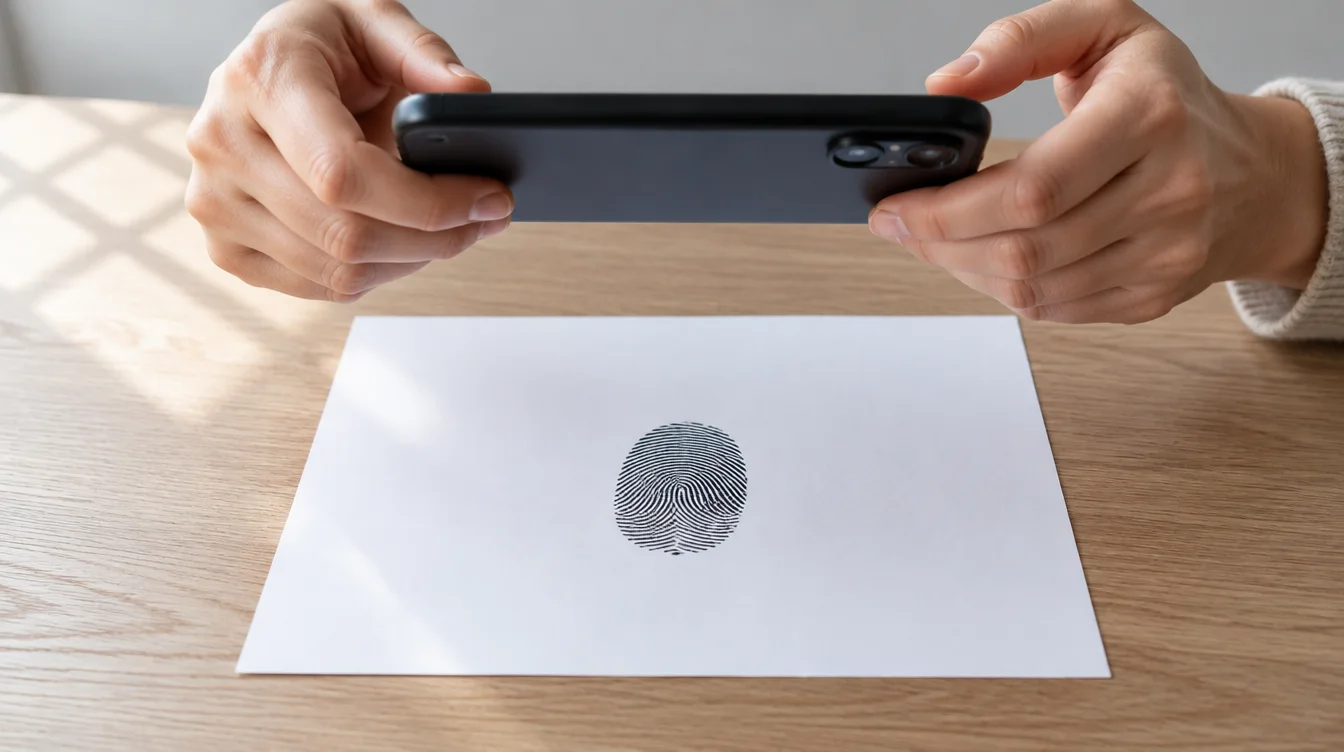
A scan or phone photo can work if it shows clear ridges. Scan a flat ink print if you have a scanner. If not, a phone photo may work. For how to take a fingerprint photo, lay the paper flat in even light. Hold the camera steady above it. Check for blur before sending. If neither image is sharp, make a fresh print.
When should you capture a new fingerprint?
Make a new print if your only copy is blurred, badly smudged, or missing the area you want engraved. For how to take a fingerprint at home, start with clean, dry hands. Make several light ink prints on white paper, then choose the clearest. A fingerprint jewelry kit may help if your jeweler supplies one; Serendipity Diamonds describes scanning prints from its kit. Then confirm how your jeweler wants the file.
What file should you submit?
Ask for the jeweler's fingerprint engraving image requirements before you change the file. Send the original scan or photo, not a screenshot or filtered copy. Ask which file types they take. Check if they want the paper print too. Once they accept the file, check the proof.
Common questions before ordering
These answers can help you choose a file. Your jeweler must still judge the final image.
Can a jeweler fix a smudged print?
A jeweler may be able to clean up some marks. Missing ridge detail cannot be guessed with confidence. Ask if a new print would work better.
How do you take a fingerprint photo without a scanner?
Photograph a clear paper impression in even light. Keep the whole print in frame and send the original photo file.
Does a fingerprint jewelry kit guarantee acceptance?
No. A fingerprint jewelry kit helps you collect a print. The print still needs review. What works depends on the jeweler's fingerprint engraving image requirements and the space on the ring.
Approve the print at ring size
Before approving fingerprint ring engraving, ask for a proof at the intended size on the actual ring design. Fine ridges may look clear on your screen but crowd together on a narrow band. If the proof loses detail you care about, ask to use another part of the print. You can also make a new one. Send the original image, then approve what you can see.